By My IPTV Sub Support Team (Setup & streaming technicians). Written and checked by the My IPTV Sub technicians who answer setup questions every day. Steps are re-tested on real devices when apps update.
What you need
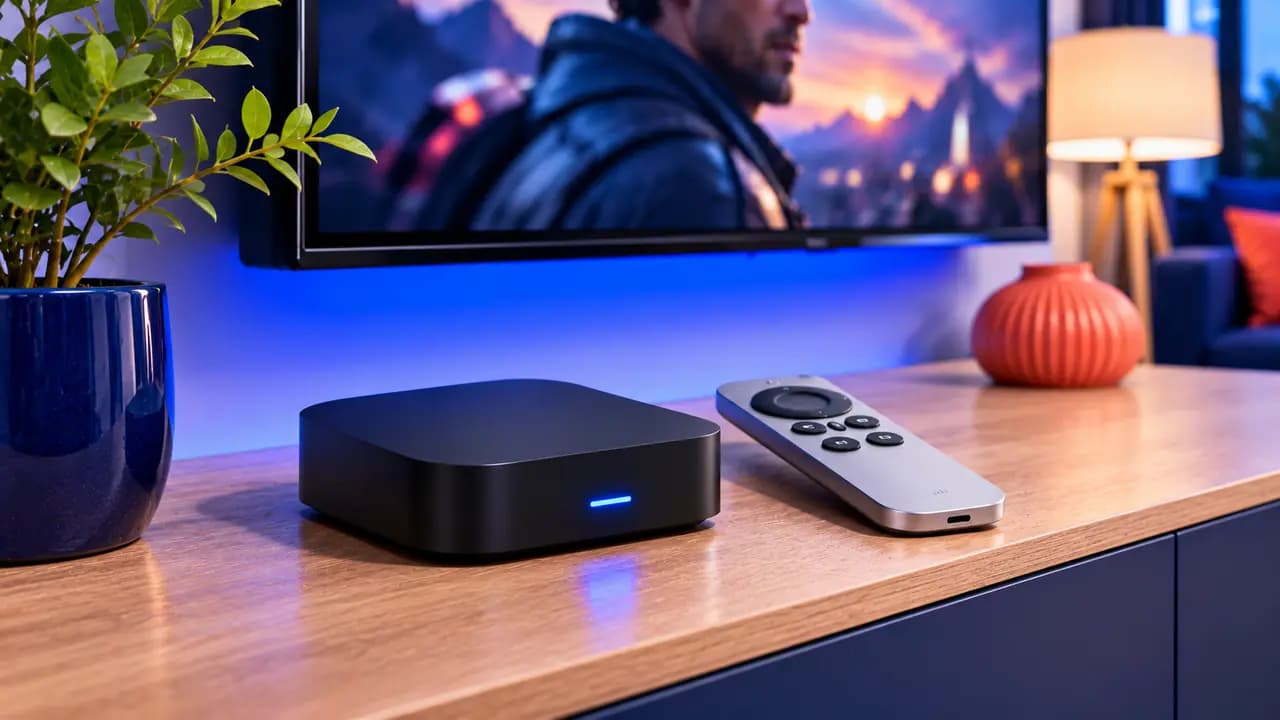
- Apple TV 4K or Apple TV HD (tvOS 15 or newer)
- Your login email
- Your Apple ID
Recommended player apps
iPlayTV
Polished tvOS design, Xtream Codes login, paid app.
IPTVX
Modern interface with a strong TV guide; free tier with optional upgrade.
Smarters Player Lite
Free and simple to sign in.
Step-by-step setup 8 min
- 1
Open the App Store
From the Apple TV home screen, open the App Store and select Search.
- 2
Install a player
Search for the app you picked (for example IPTVX or iPlayTV) and select Get. Use your Apple ID if asked.
- 3
Choose Xtream Codes
Open the player and choose Add playlist → Xtream Codes (sometimes called Xtream API or Login with Xtream).
- 4
Enter your login
Type the server URL, username and password from your email. Tip: the Apple TV Remote app on your iPhone gives you a keyboard, which is much faster.
- 5
Wait for the first sync
Channels, VOD and the EPG load in one to three minutes. Then open Live TV and pick a category.
- 6
Set your favorites
Long-press a channel to add it to favorites so your most-watched channels are always at the top.
Tips for the best picture
- Turn on Match Frame Rate in Settings → Video and Audio → Match Content for smoother sports.
- Apple TV 4K (2021 or newer) has Ethernet; use it if your router is close by.
Apple TV IPTV questions
Do I need to jailbreak my Apple TV?
No. All the apps above are in the official App Store.
Can I use the same app on my iPhone?
Many tvOS players are universal, so buying once covers iPhone and iPad too. Each device that streams at the same time uses one connection.
Does Apple TV HD support 4K?
No. Apple TV HD plays up to 1080p. For 4K you need an Apple TV 4K and a 4K TV.